HOF Based Aadhaar Address Update on myAadhaar Portal 2026
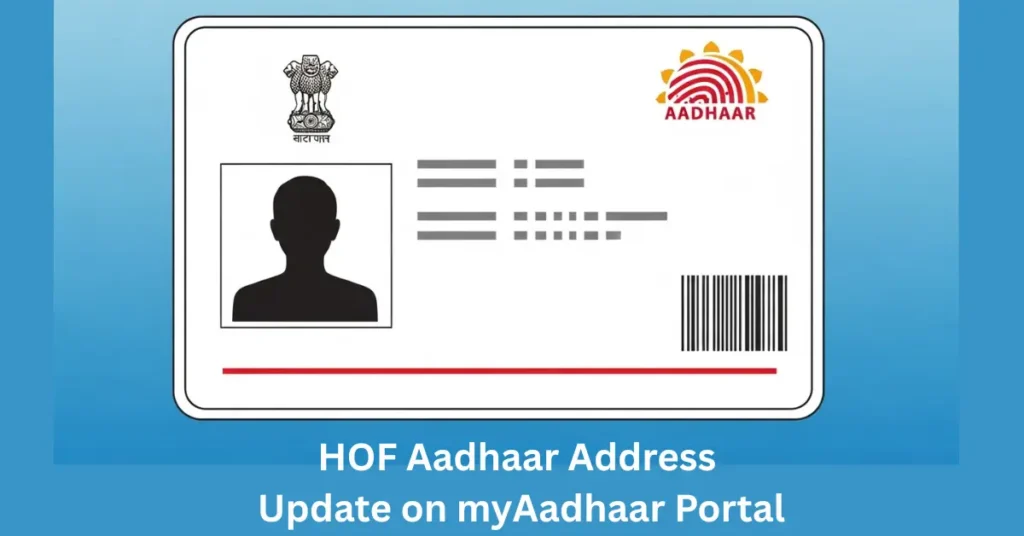
HOF based Aadhaar address update is an online method that lets a resident update their Aadhaar UIDAI address through the myAadhaar portal by using the address of a family member called the Head of Family. The Head of Family must approve the request, and the applicant must prove the relationship through a valid document or UIDAI self-declaration form. This method is useful for children, spouses, parents, and other eligible family members who share the same residence as the Head of Family.
What HOF Means in Aadhaar Address Update
HOF stands for Head of Family. In this process, the Head of Family allows another family member to use the address already recorded in the HoF’s Aadhaar. For example, a student living with parents, a spouse living after marriage, or a dependent family member may not have a separate address proof. In that case, the HoF method can help them update their Aadhaar address online.
Who Should Use the HoF Aadhaar Address Update Option?
This option is best when the applicant lives at the same address as a family member but does not have a utility bill, bank document, rental agreement, passport, or other address proof in their own name. It may be suitable for:
This method should not be used if the applicant does not actually live at the HoF’s address. The HoF must give consent, and wrong information may lead to rejection or further action.
Key Requirements Before Starting
Before using the HoF option on myAadhaar, keep these things ready:
Documents Accepted for HoF Based Aadhaar Address Update
The main document needed is a Proof of Relationship document. It should show the name of the applicant and the name of the Head of Family. Common examples include:
If the applicant does not have a Proof of Relationship document, UIDAI allows a self-declaration from the Head of Family in the prescribed format. This self-declaration is generally used when an immediate family member lives at the same address but does not have a separate relationship document.
Current Aadhaar Address Update Fee in 2026
Older guides often mention ₹50 because that was the earlier fee commonly shown for online Aadhaar address update. However, Aadhaar update charges may change from time to time. For this reason, the safest practice is to check the final fee shown on the myAadhaar payment screen before paying. The fee displayed on the official portal during submission should be treated as the latest payable amount.
Step-by-Step Process to Update Aadhaar Address Using HoF
Step 1: Open the Official myAadhaar Portal
Go to the official myAadhaar portal and log in using the applicant’s Aadhaar number. Enter the CAPTCHA and request OTP. The OTP will be sent to the applicant’s Aadhaar-registered mobile number. Without access to this number, the online process may not work. If the registered mobile number is not active, the applicant may need to update the mobile number first through an Aadhaar centre.
Step 2: Choose the Address Update Option
After logging in, go to the Aadhaar update section and select the address update service. Choose the option related to Head of Family based address update. Read the instructions carefully before continuing.
Step 3: Enter Head of Family Details
Enter the Head of Family’s Aadhaar number and select the relationship. The portal validates the HoF Aadhaar number. The HoF’s full Aadhaar details are not normally shown to the applicant during this process. This helps protect privacy while still allowing address validation.
Step 4: Upload Proof of Relationship or Self-Declaration
Now upload a clear document proving the relationship between the applicant and the HoF. If no relationship document is available, use the prescribed self-declaration format. The form must be filled correctly and signed by the Head of Family. Make sure the uploaded file is readable. Blurry scans, cropped names, missing signatures, or unclear relationship details may lead to rejection.
Step 5: Review the Details
Check every detail before submission. Confirm:
A small error can delay the update or cause rejection.
Step 6: Pay the Applicable Fee
Complete the payment using the available payment method. The amount shown on the portal should be treated as the final payable fee. After payment, the applicant receives a Service Request Number, also called SRN. Save this number because it is needed for tracking and HoF approval.
Step 7: Share the SRN With the Head of Family
The Head of Family may receive an SMS about the request. Still, it is better to share the SRN directly with them so they can approve the request quickly. The HoF must log in to myAadhaar and approve the address-sharing request.
Step 8: HoF Approves or Rejects the Request
The Head of Family can either accept or reject the request. The HoF should approve it within the allowed time shown on the portal. In many cases, this approval window is 30 days. This is the most important part of the process. The applicant should not wait until the last day to remind the HoF.
What Happens After HoF Approval?
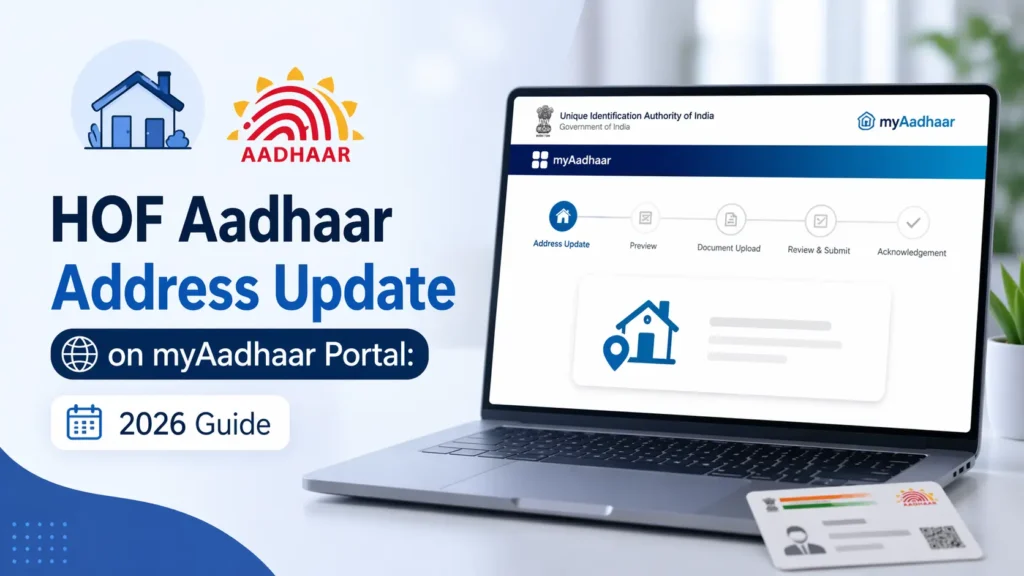
After the HoF approves the request, the submitted details go for verification and validation. Submission does not automatically guarantee an Aadhaar update. Once the update is approved, the new address will reflect in Aadhaar. The applicant can later download the updated e-Aadhaar from myAadhaar.
What If the HoF Does Not Approve?
If the Head of Family rejects the request or does not approve it within the allowed time, the request may be closed. In that case, the applicant may need to:
Payment may not be refunded if the request is rejected, closed, or not approved by the HoF, so applicants should confirm everything before submitting.
Common Reasons for Rejection
HoF based Aadhaar address update may fail for simple reasons. The most common issues are:
To avoid rejection, prepare the document first, inform the HoF in advance, and submit only clear information.
HoF Method vs Normal Aadhaar Address Update
| Point | HoF Based Update | Normal Address Update |
| Best for | Family members without own address proof | People with address proof in their own name |
| Address source | Head of Family’s Aadhaar address | Applicant’s own Proof of Address |
| Approval needed | Yes, by HoF | No HoF approval needed |
| Document needed | Proof of Relationship or self-declaration | Proof of Address |
| Online availability | Through myAadhaar | Through myAadhaar, where eligible |
| Risk of delay | HoF may not approve on time | Mostly document verification delay |
Expert Tips Before Applying
FAQs
Final Thoughts
HoF based Aadhaar address update is a practical option for residents who live with family but do not have address proof in their own name. The process works online through myAadhaar, but it depends on three things: a valid relationship proof or self-declaration, correct applicant details, and timely approval from the Head of Family. For the best result, prepare the document first, confirm the HoF is ready to approve, save the SRN after payment, and track the request until the update is completed.