Aadhaar Bank Seeding Status: Ultimate Easy Guide 2026
Linking your Aadhaar UIDAI with your bank account may sound boring, but it’s one of the most important steps if you want government benefits, subsidies, or smooth banking services in India. In this guide, we’ll explain everything — from basic concepts to advanced tips — in simple language you can actually use.
What Does “Aadhaar Bank Seeding Status” Mean?
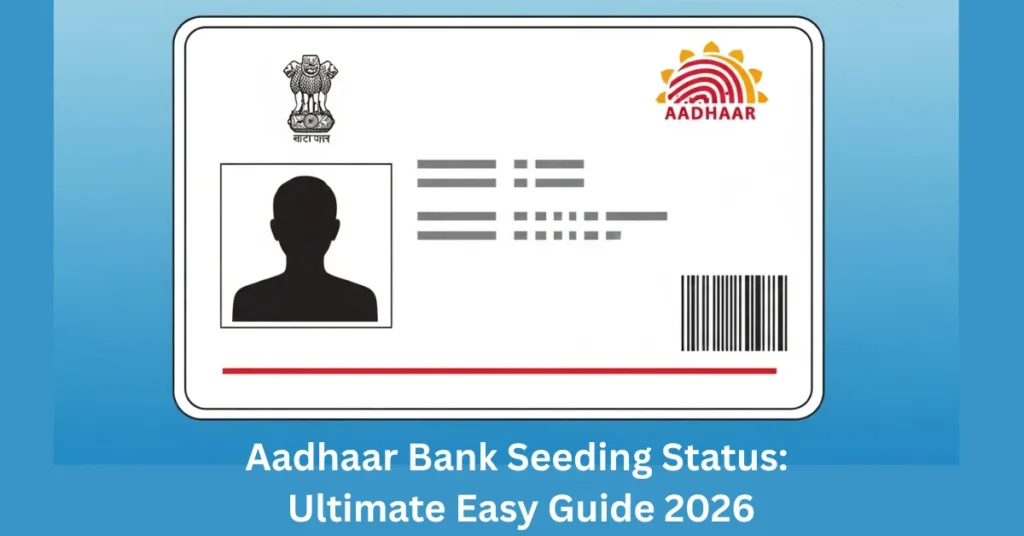
Aadhaar Bank Seeding Status tells you whether your Aadhaar number (12 digits) is properly linked with your bank account in India. When seeding is “Active,” your Aadhaar is connected to the right account. If it’s “Inactive” or “Not Linked,” banks and government systems don’t recognize the connection. Think of it like updating your profile settings — except here it decides if government payments and services reach your account smoothly.
Key points:
Why Aadhaar Bank Seeding Matters
This isn’t just paperwork — it affects real money and services you might depend on.
1. Direct Benefit Transfers (DBT)
Government money (like LPG subsidy, scholarships, pensions, MGNREGA wages, etc.) goes straight into your bank account only if Aadhaar is successfully seeded.
2. Faster and Safer Payments
Once linked, withdrawals and credits happen without extra delays. Payments are much more secure because they go into an account that’s officially yours.
3. Avoid Payment Rejections or Holds
If Aadhaar isn’t seeded, banks or government portals may reject payments or delay them — especially for subsidies or benefits.
4. KYC and Banking Services
Some bank processes or digital verifications require Aadhaar seeding for identity verification and proof.
Aadhaar Linking vs. Aadhaar Seeding — What’s the Difference?
People often use these terms interchangeably, but they are not the same:
In short: Linking is like telling the bank you have Aadhaar. Seeding is the bank officially recording it in the central system.
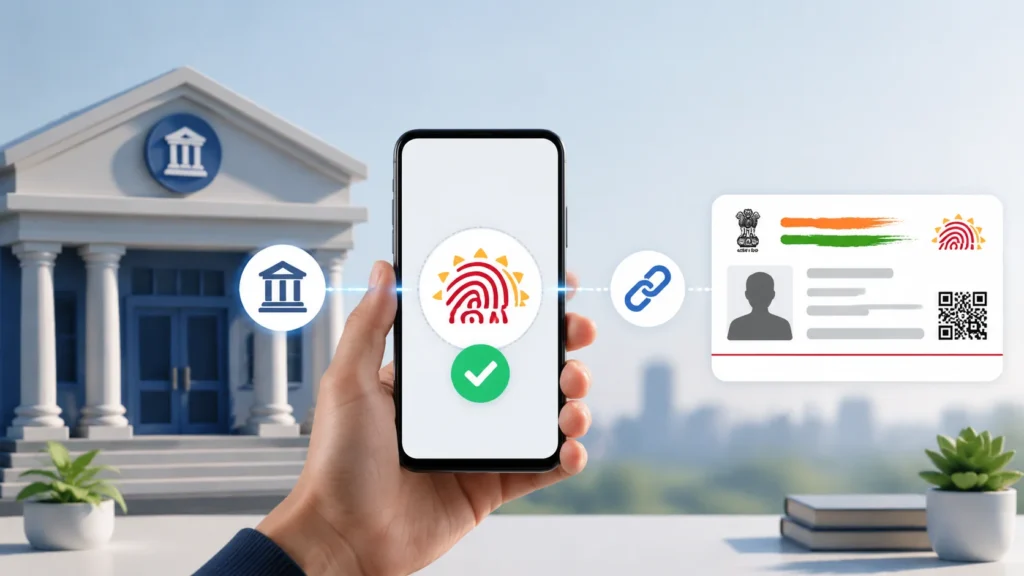
How to Check Your Aadhaar Bank Seeding Status
Here are the official, easy methods you can use in 2026.
1. Online: UIDAI / NPCI Website
Quick tip: If it shows active, you’re done. If not, read on for fixes.
2. mAadhaar App (Mobile App)
This is handy if you like mobile access.
3. USSD Code (No Internet Needed)
If you don’t have internet:
4. Visit Your Bank Branch
Just walk into your bank and ask them to check your Aadhaar seeding. The staff can lookup in their systems and tell you whether it’s active. This is helpful if:
What Your Seeding Status Means
Common Reasons Aadhaar Bank Seeding Fails
If your status isn’t Active, it might be due to one of these issues:
- Mobile Number Not Registered with Aadhaar: OTP won’t reach if your bank or Aadhaar database doesn’t have your current mobile number.
- Name / Date of Birth Doesn’t Match: If your bank records and Aadhaar details don’t exactly match, seeding fails. That’s why filling forms carefully matters.
- Bank Hasn’t Updated Central Mapper: Sometimes the bank’s internal system shows linked, but the central system hasn’t updated yet. This can take a few days.
- Technical Errors: Server glitches or system delays can temporarily prevent status updates online.
What to Do If Status Shows “Not Linked”
Here are step‑by‑step solutions:
How to Link Aadhaar with Your Bank Account (If Not Linked)
If your Aadhaar isn’t linked yet, here’s how you can link it:
Online (Internet Banking)
- Login to your bank portal.
- Find “Update Aadhaar / Aadhaar Seeding” option.
- Enter your Aadhaar number and submit.
- Confirm with OTP or bank app notification.
This is fast and convenient.
Tips for Different Bank Types
Beginner-Friendly Checklist
Before you finish, make sure you:
Tips and Best Practices
FAQs
Final Thoughts
Checking and updating your Aadhaar bank seeding is simple, free, and essential for hassle-free payments. Doing it today prevents future delays, ensures government benefits reach your account, and helps you maintain proper banking compliance. Remember: Active Aadhaar seeding = safe, fast, and smooth transactions.