Aadhaar Voice OTP Not Working? Causes & Easy Fixes
If you’ve ever tried to log in to the Aadhaar UIDAI portal or perform a service that needs authentication — like downloading e‑Aadhaar, updating details, linking Aadhaar to a service, or getting an OTP — and you encountered Aadhaar Voice OTP not working, you’re definitely not alone. Many users face this issue and get stuck because they don’t receive the OTP (One‑Time Password), or the system doesn’t trigger it correctly.
When that happens, you’re blocked from completing important tasks. In this guide, we’ll break down why your Aadhaar Voice OTP might not be working and give you simple, practical fixes that actually help. We’ll also add tips you can try right now so you don’t waste time clicking around in circles.
What Is a Voice OTP on the Aadhaar Portal?
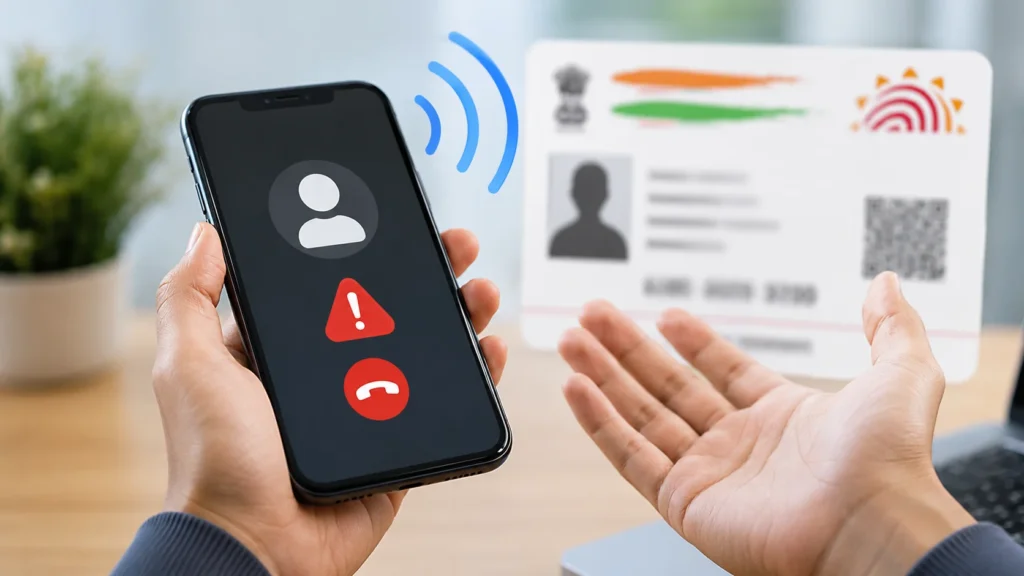
A Voice OTP is an audio‑based one‑time password sent to your registered mobile number via a phone call — instead of a text message. This can be useful if your SMS inbox is blocked, you can’t receive SMS, or you prefer voice guidance. However, even when Voice OTP exists as an option, many users report it doesn’t work or doesn’t trigger. So let’s find out why that happens.
Why Your Aadhaar Voice OTP Not Working?
Here are the most common reasons — explained clearly and simply:
1. Your Mobile Number Is Not Registered With Aadhaar
This is by far the biggest reason people don’t get OTPs. The Aadhaar system will only send an OTP (text or voice) to the mobile number linked with your Aadhaar in the UIDAI database. If your current number isn’t registered, the Voice OTP won’t reach you at all.
How to Fix: Check your registered mobile number on the Aadhaar portal or visit an Aadhaar enrolment/update center to update your number.
2. Network Signal or Telecom Issues
If your phone has poor network signal, the OTP call might never reach you. This happens a lot if you’re inside buildings, in remote areas, or in spots with weak cellular coverage.
Quick Tip: Try switching between mobile data and Wi‑Fi, or move to a place with better reception before requesting the Voice OTP again.
3. DND (Do Not Disturb) or SMS/Call Blocking
If you have Do Not Disturb (DND) active on your phone, some transactional SMS or OTP calls may get blocked by your telecom provider. This can stop the voice call OTP from coming through.
How to Fix: Contact your mobile operator or deactivate DND temporarily so that OTP calls are allowed.
4. Too Many OTP Requests in a Short Time
UIDAI limits how many OTPs you can request in a short period. If you hit the limit, you may see a message like “OTP generation failed” or “try again later”.
Simple Fix: Wait about 10‑15 minutes before trying again — letting it cool down will prevent temporary blocks.
5. Server Delays or Portal Overload
On busy days, especially during peak hours, UIDAI servers get overloaded and OTP systems slow down or even fail. This can happen with both text and Voice OTP.
Best Time to Retry: Try early in the morning or late at night when fewer users are online.
6. Wrong Browser, Cache or Session Problems
The portal can sometimes glitch due to browser issues — old cache, cookies, plugins, or outdated versions might break the OTP feature.
Tips:
7. Your SMS Inbox Is Full
A small thing with a big impact — if your phone’s SMS box is full, it may simply block new messages (including OTPs).
Solution: Delete old messages and free up space before generating a new OTP again.
Step‑by‑Step Fix When Voice OTP Isn’t Working
Here’s a simple action plan you can follow — no tech skills needed:
Helpful Tips to Prevent OTP Issues in Future
Common Mistakes That Cause OTP Problems
What If Voice OTP Still Never Works?
If you’ve tried all the tips above and your Aadhaar Voice OTP still doesn’t work:
When You Don’t Even Need an OTP
UIDAI has been rolling out more ways for people to authenticate without relying on OTPs — like face authentication or biometric alternatives — especially if your mobile number has changed or you can’t receive OTPs. These options are slowly becoming more common.
FAQs
Final Thoughts
Your Aadhaar Voice OTP will not work unless your mobile number is correctly linked to your Aadhaar. Network issues, DND blocks, OTP limits, and portal load can also stop OTP delivery. Simple fixes like checking your registered mobile number, turning off DND, waiting before trying again, and using the portal at a different time can really help. If the issue still does not get fixed, you may need to use alternatives like biometric verification or visit an Aadhaar center. By following these steps, you can solve Voice OTP issues without wasting time and complete your Aadhaar tasks smoothly.