Aadhaar Email vs Mobile Update Explained Simply 2026
Aadhaar UIDAI email vs mobile updates are not the same. The mobile number is the main verification method used for OTP, banking, and government services, and it usually requires visiting an Aadhaar Seva Kendra. The email ID is mainly for notifications and can often be updated more easily online or through UIDAI digital services. Mobile number is much more important for security and identity verification.
Introduction
Aadhaar is one of the most important identity systems in India. Almost every service today is linked with it. From banking to mobile SIM cards, government schemes to tax filing, Aadhaar is used everywhere. But many people still get confused about Aadhaar email vs mobile updates when they hear about “Aadhaar mobile update” and “Aadhaar email update”.
Some think both are the same thing. Others believe updating one will automatically update the other. And many users don’t even know which one is important. This confusion creates real problems like:
In this guide, you will understand everything in simple language:
Let’s break it down in a very simple way.
Why Aadhaar Contact Details Matter So Much
Aadhaar is not just an ID card. It is a digital identity system. Your contact details like mobile number and email are used to:
Without correct contact details, your Aadhaar becomes difficult to use online. That’s why UIDAI gives special importance to updating them correctly.
Understanding Aadhaar Mobile Number
Your Aadhaar mobile number is the most important contact detail in your Aadhaar profile. It is used for almost every secure action related to your identity.
What is Aadhaar Mobile Number Used For?
Your mobile number is used for:
Without your mobile number, most Aadhaar online services stop working.
Why Mobile Number is So Important
Think of your mobile number as a security lock key. Whenever you try to access Aadhaar services, UIDAI sends a One-Time Password (OTP) to your mobile. If the number is wrong or inactive:
That’s why mobile number is treated as a high-security field.
Can You Update Aadhaar Mobile Number Online?
This is where most confusion starts. The simple answer is: No, in most cases you cannot update mobile number online You must visit an Aadhaar center.
Why Mobile Update is Offline
UIDAI does this for security reasons:
So mobile update is considered a high-security update.
Step-by-Step Mobile Number Update Process
Here is the complete process in simple words:
Time Required for Mobile Update
Usually:
Understanding Aadhaar Email Update
Now let’s talk about email update. Email in Aadhaar is much simpler compared to mobile number.
What is Aadhaar Email Used For?
Email is mainly used for:
It is not a critical security tool like mobile number.
Why Email is Less Important
Unlike mobile number:
It is just a supporting communication channel. So even if email is missing or wrong, Aadhaar services still work normally.
Can You Update Aadhaar Email Online?
Yes, in most cases:
Compared to mobile update, email update is much easier.
Time Required for Email Update
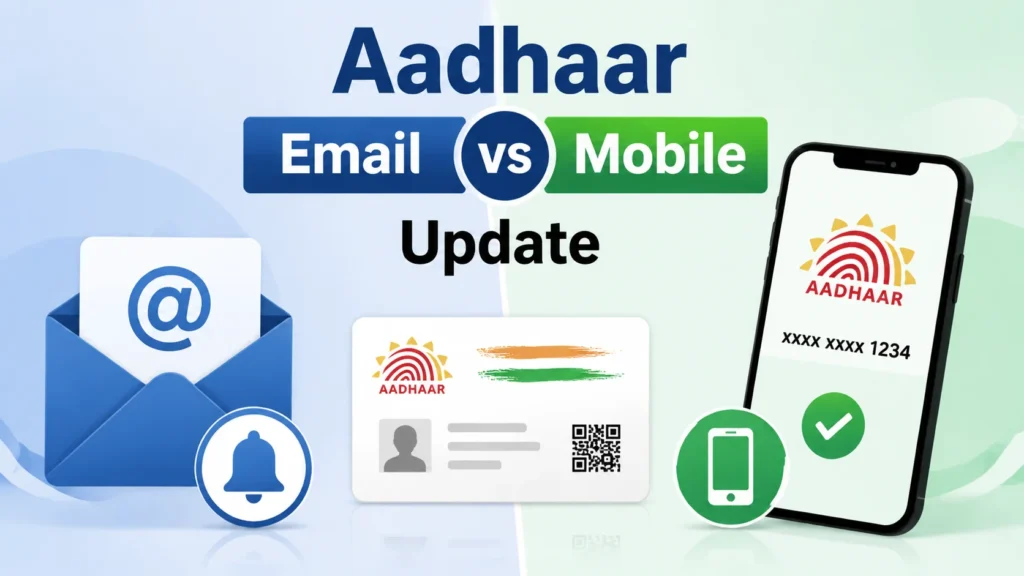
Aadhaar Email vs Mobile Update (Simple Comparison)
Let’s make it very clear:
| Feature | Mobile Number | Email ID |
| Importance | Very High | Medium |
| OTP Usage | Yes | Rare |
| Security Role | Strong identity verification | Notifications only |
| Update Method | Offline (Seva Kendra) | Online possible |
| Banking Use | Mandatory | Not required |
| Risk if Wrong | High (service failure) | Low |
Real-Life Example to Understand Difference
Let’s simplify it even more.
Mobile Number = Main Door Key
Without it:
Email = Letter Box
Even if wrong:
That’s the easiest way to understand both.
Step-by-Step Guide: How to Update Aadhaar Email
Here is a simple process:
Common Problems Users Face
Many people face issues because of simple mistakes:
1. Thinking Email and Mobile are same
They are not interchangeable.
2. Trying Mobile Update Online
This often fails or shows errors.
3. Using Fake Websites
Many fraud websites claim Aadhaar update services.
4. Not Updating Mobile for Years
Inactive numbers cause OTP failure.
5. Wrong Email Format
Simple typing mistakes cause update rejection.
Security Difference Between Mobile and Email
Mobile number has much stronger security role:
Mobile Security:
Email Security:
So mobile number protects your identity more strongly.
Why UIDAI Keeps Mobile Update Strict
UIDAI keeps mobile update offline because:
That’s why biometric verification is required.
When You Should Update Aadhaar Mobile Number
You should update mobile number if:
When You Should Update Aadhaar Email
You should update email if:
Impact on Banking and Government Services
Correct mobile number affects:
Email has very little impact on these services.
Important Tips for Users
Here are some practical tips:
FAQs
Final Thoughts
Aadhaar email vs mobile updates are often confused, but they serve different purposes. The mobile number is very important because it is used for OTP verification, banking, and security, and it usually must be updated at an Aadhaar Seva Kendra. The email ID is less important and mainly used for notifications, and it can often be updated online. In short, the mobile number is essential for Aadhaar security and services, while the email ID is only for updates and support.