Recover Aadhaar Easily: Lost Aadhaar and Mobile Number?

Losing your Aadhaar card can be stressful. It’s one of the most important documents issued by Aadhaar UIDAI in India for identity verification, bank services, government programs, and online transactions. The situation becomes even more complicated if you experience a Lost Aadhaar and Mobile Number, because many Aadhaar-related services rely on OTPs sent to your registered mobile. In this guide, we’ll explain what happens, what you can do, and practical tips to regain access quickly and safely.
Recover Aadhaar Easily: Lost Aadhaar and Mobile Number?

Why Your Registered Mobile Number Matters

Your registered mobile number is crucial for Aadhaar services. It’s linked to your Aadhaar for security purposes, primarily to receive One-Time Passwords (OTP). OTPs are required for:

  • Downloading your Aadhaar online
  • Updating your details online
  • Using services like DigiLocker, UPI, and bank verification
  • Accessing government portals

Without access to this number, online services cannot verify your identity, making online recovery and updates challenging.

Consequences of Losing Both Aadhaar and Your Mobile Number

Losing your Aadhaar card along with the registered mobile number can lead to:

  • Difficulty in Online Recovery
    Many online Aadhaar services require OTP verification. Without your registered mobile number, these online services are temporarily inaccessible.
  • Temporary Service Blocks
  • You cannot download your e-Aadhaar online
  • Online KYC for banks and financial services may fail
  • DigiLocker access is restricted
  • Government and private services that require Aadhaar OTP cannot be completed
  • Increased Risk of Delay
    Since online recovery isn’t possible, you will need to visit an Aadhaar Seva Kendra (ASK) or enrollment center, which may require waiting and documentation.

Step-by-Step Guide to Regaining Aadhaar Access

Even if you’ve lost both your Aadhaar and mobile number, you still have options. Follow these steps to regain access:

Step 1: Visit an Aadhaar Seva Kendra (ASK) or Enrollment Center

The safest and most reliable solution is to visit any Aadhaar Seva Kendra or enrollment center. There, you can:

  • Retrieve your Aadhaar number
  • Print your Aadhaar (e-Aadhaar)
  • Update your mobile number

You will need biometric verification, such as fingerprints or iris scans, to confirm your identity.

Step 2: Proof Documents Needed

Bring the following documents when visiting an ASK:

  • Any government-issued identity proof (PAN, Passport, Voter ID, Driving License)
  • Address proof (if not included in identity document)
  • New mobile number to link to your Aadhaar

Step 3: Retrieving Your Aadhaar Number

The staff at the Aadhaar center can help you retrieve your Aadhaar number using your full name, date of birth, and biometric verification. This is necessary if you have completely lost your card and only know some personal details.

Step 4: Downloading e-Aadhaar

Once your Aadhaar number is retrieved, you can request an e-Aadhaar PDF printout at the center. e-Aadhaar is equally valid and can be used for all official purposes. Some centers may also offer PVC Aadhaar cards, which are more durable and wallet-friendly.

Step 5: Updating Your Mobile Number

Without the registered mobile number, online updates are not possible. At the center:

  • Provide your new mobile number
  • Complete biometric verification
  • Get the confirmation slip with the updated number

After this, OTP-based services will work again.

Step 6: Verify Linked Services

Once your mobile number is updated, check all services linked to Aadhaar:

  • Bank accounts (UPI, net banking, debit/credit cards)
  • Government portals (PF, DigiLocker, PAN, Passport)
  • Other subscriptions requiring Aadhaar KYC

This ensures no service is interrupted.
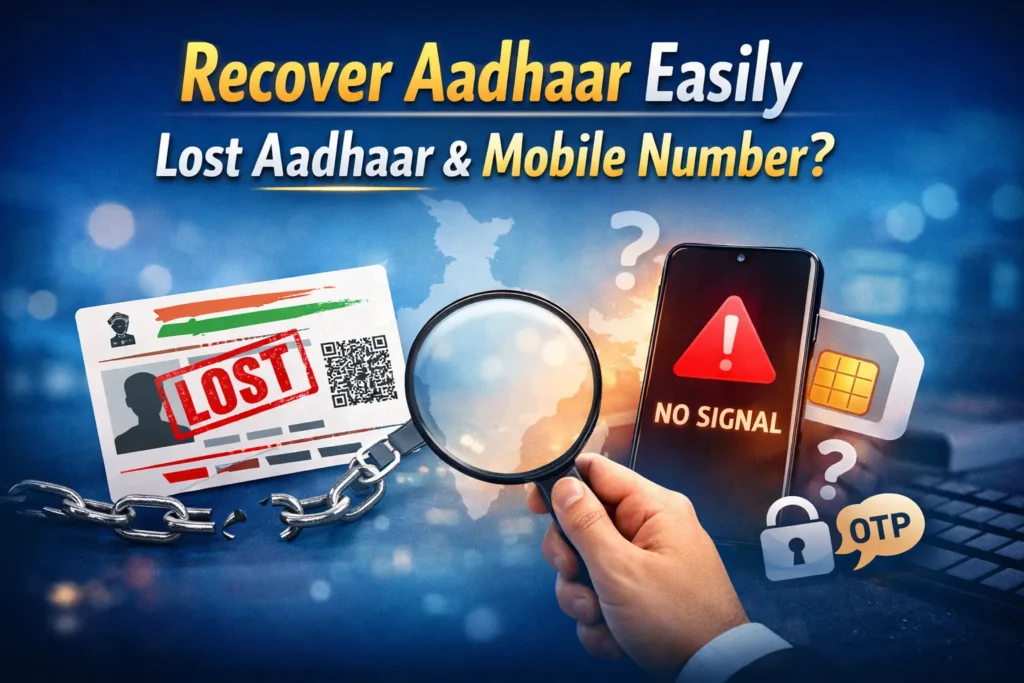
Recover Aadhaar Easily: Lost Aadhaar and Mobile Number?

Additional Tips to Avoid Future Issues

  • Keep Multiple Copies
    Always store a digital and physical copy of Aadhaar in a secure place.
  • Update Mobile Number Promptly
    Whenever you change your mobile number, update it in Aadhaar to avoid OTP issues.
  • Use Biometric Verification Safely
    Only complete biometric verification at official Aadhaar centers to avoid fraud.
  • Block Lost SIMs Immediately
    If your old mobile is lost, block it immediately to prevent misuse.
  • Use e-Aadhaar as Backup
    Download your e-Aadhaar and keep it stored securely offline and online (like in DigiLocker).
  • Set a Secure PIN for e-Aadhaar
    e-Aadhaar PDFs are password-protected. Use your birth date as the default password and keep it secure.
  • Regularly Check Your Linked Services
    Ensure that all accounts requiring Aadhaar OTP are linked to your updated mobile number.

Common Mistakes People Make After a Lost Aadhaar and Mobile Number

  • Trying to update Aadhaar online without mobile access
  • Sharing Aadhaar information with unofficial websites
  • Ignoring retrieval of Aadhaar after losing mobile number
  • Not updating new mobile number promptly

Avoiding these mistakes saves time and prevents identity misuse.

Benefits of Updating Your Mobile Number

Once your new mobile number is linked to Aadhaar, you can:

  • Download e-Aadhaar anytime online
  • Receive OTPs for bank KYC, government schemes, and DigiLocker
  • Use Aadhaar-linked UPI transactions
  • Simplify identity verification across services

This ensures convenience and security in your daily digital life.

FAQs

Yes, by visiting an Aadhaar Seva Kendra or enrollment center and completing biometric verification.

No, Aadhaar recovery requires your personal biometric verification.

Typically, it is updated immediately after verification at the center.

Yes, e-Aadhaar PDF and PVC cards are valid for all official purposes.

No, OTP verification to the old mobile number is mandatory online. Offline update at a center is required if you don’t have access to it.

Bring identity proof (like PAN, Passport) and address proof (if not included in ID), along with the new mobile number.

Yes, printing e-Aadhaar typically costs around ₹30.

No, each mobile number can only be linked to one Aadhaar. Provide a unique active number.

Immediately block your SIM and update Aadhaar at the nearest center with a new number.

Some services may fail temporarily, but after updating your number, everything will function normally.

Final Thoughts

Losing both your Aadhaar card and the linked mobile number may seem stressful, but it’s manageable. The offline Aadhaar centers exist precisely for these situations, allowing you to retrieve your Aadhaar, print e-Aadhaar, and update your mobile number. Following the steps above ensures that your Aadhaar remains secure, and all services linked to it continue without disruption. By keeping copies, updating mobile numbers promptly, and using biometric verification safely, you can avoid future issues and make Aadhaar recovery smooth and reliable.
Similar Posts

Leave a Reply

Your email address will not be published. Required fields are marked *