Why Aadhaar Portal Blocks Some ISP Networks: Easy Fix Now!
Sometimes the Aadhaar portal works on one internet connection but does not open on another. For example, it may work on mobile data but fail on your home Wi-Fi, office internet, or a certain ISP network. This can make users think the Aadhaar portal blocks some ISP networks, but it does not always mean UIDAI has blocked your Aadhaar account. In many cases, the issue is linked to the network, IP address, browser, DNS, VPN, or security filters used to protect Aadhaar services.
My Aadhaar UIDAI portal is the official online platform where Aadhaar holders can access Aadhaar-related services, including login-based services using an Aadhaar number and OTP. UIDAI also lists services like download Aadhaar, update Aadhaar, check status, order PVC card, and file complaints through its official website and MyAadhaar portal.
Quick Answer: Why Is Aadhaar Portal Not Opening on Some ISPs?
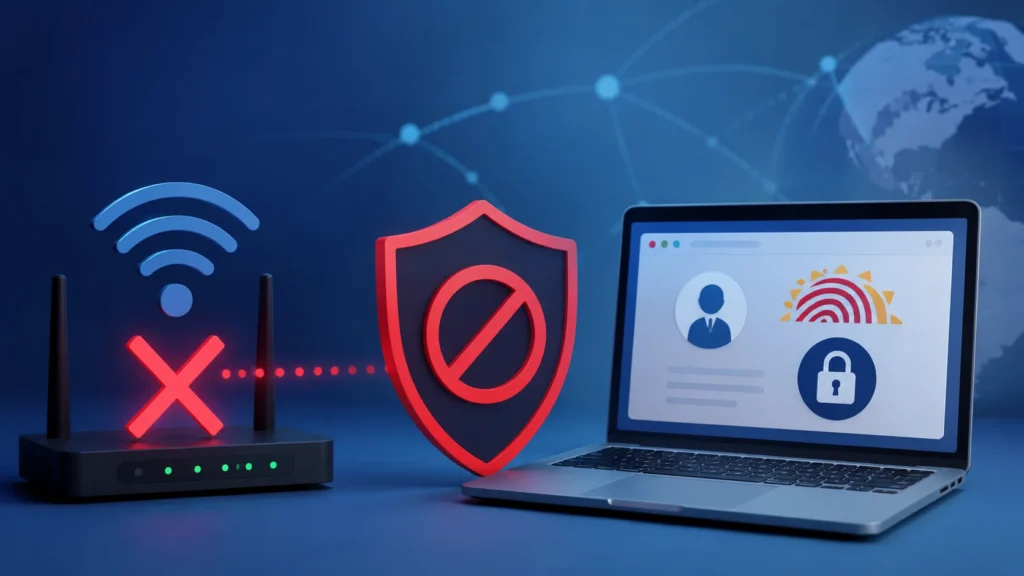
The Aadhaar portal blocks some ISP networks when a network’s IP range looks risky, overloaded, misconfigured, or suspicious to security systems. Since Aadhaar-related services handle sensitive identity data, the portal uses strong security layers such as firewalls, IP filtering, access control, and intrusion-prevention systems to protect users.
UIDAI officially states that Aadhaar systems use multiple levels of network security, including firewalls, network intrusion prevention systems, strong access control, auditing, and IP filtering in its ecosystem.
Common Reasons Aadhaar Portal May Block or Fail on Some Networks
1. ISP IP Address Has Poor Reputation
Many users share the same public IP address through one ISP. If that IP range was used for spam, scraping, bot traffic, or suspicious activity, the portal’s security system may treat it as risky. This can affect normal users too. You may not have done anything wrong, but your ISP’s shared IP address may be flagged.
2. Too Many Requests From the Same Network
Aadhaar services involve OTP, login, downloads, updates, and status checks. If many users from the same ISP or office network hit the portal repeatedly, the system may slow, challenge, or block requests for safety. Rate limiting is a common web security method used to stop abuse, brute-force attempts, and excessive requests on sensitive login or API endpoints.
3. VPN, Proxy, or Data Center IP Is Being Used
If you are using a VPN, proxy, browser privacy tunnel, or office gateway, the portal may see your request as coming from a different location or a shared server. Government and banking-style portals often treat such traffic more carefully. For Aadhaar work, it is better to use a normal trusted internet connection instead of VPN or proxy.
4. ISP DNS or Routing Problem
Sometimes the portal is not blocked at all. Your ISP may simply have a DNS or routing issue. This means your browser cannot properly reach the Aadhaar server. A simple sign is this: the portal does not open on Wi-Fi, but it opens immediately on mobile data.
5. Browser Cookies or Captcha Issues
Aadhaar portals often use OTP, captcha, session cookies, and security checks. If your browser blocks cookies, has old cache, or has an extension interfering with the page, login may fail. Try opening the site in a private/incognito window or another browser before assuming the ISP is blocked.
6. Temporary Server or Maintenance Issue
Sometimes Aadhaar services may be slow because of server load, update work, or technical problems. If many users are trying to download Aadhaar, update documents, or check status at the same time, the site may become slow. UIDAI also provides Aadhaar services through the mAadhaar app, and e-Aadhaar can be downloaded from the official MyAadhaar portal or mAadhaar app.
Aadhaar Portal Network Issue Comparison
| Situation | Likely Reason | What You Should Do |
| Aadhaar portal opens on mobile data but not Wi-Fi | ISP, DNS, router, or shared IP issue | Restart router, change browser, or contact ISP |
| Portal opens in incognito mode | Browser cache, cookies, or extension issue | Clear cache and disable extensions |
| Portal fails only when VPN is on | VPN or proxy IP may be blocked or flagged | Turn off VPN and use normal internet |
| Portal does not open on office Wi-Fi | Office firewall or shared business IP issue | Try personal mobile data |
| Portal does not open on any network | UIDAI portal issue or service error | Try later or contact UIDAI support |
ISP Issue vs Aadhaar Account Issue
| Problem Type | Meaning | Example |
| ISP/network issue | Your internet connection cannot reach the portal properly | Site opens on mobile data but not home Wi-Fi |
| Browser issue | Your browser is blocking cookies, captcha, or session data | Site works in another browser |
| Aadhaar service issue | UIDAI service is slow, under maintenance, or showing an error | OTP, download, or update page fails |
| Aadhaar account/security issue | Your Aadhaar service access may need OTP, VID, or unlock | Aadhaar authentication or biometric lock issue |
Online vs Offline Aadhaar Services
| Service | Can It Be Done Online? | Notes |
| Login to MyAadhaar | Yes | Requires Aadhaar number and OTP on registered mobile number |
| Download e-Aadhaar | Yes | Usually needs OTP verification |
| Address update | Yes | UIDAI allows address update and document update through MyAadhaar |
| Mobile number update | No, usually centre visit needed | Mobile update needs verification at Aadhaar centre |
| Biometric update | No | Fingerprint, iris, and photo updates are done at Aadhaar centres |
| Child biometric update | No | Children need mandatory biometric updates at Aadhaar centres |
UIDAI says an Aadhaar number holder can log in to MyAadhaar using Aadhaar number and OTP received on the registered mobile number. UIDAI also lists online address and document update options through MyAadhaar.
How to Check If Your ISP Is the Problem
Use this quick test:
| Test | What It Means |
| Portal works on mobile data but not Wi-Fi | ISP, DNS, or router issue |
| Portal works in another browser | Browser cache, cookies, or extension issue |
| Portal works without VPN | VPN/proxy IP was likely causing trouble |
| Portal fails on all networks | Possible portal/server issue |
| Only office Wi-Fi fails | Office firewall or shared IP issue |
Safe Ways to Fix Aadhaar Portal Access Issue
First, turn off VPN or proxy. Then restart your router and try again. If the problem continues, clear browser cache, use incognito mode, or try another browser. Next, test the portal on mobile data. If it works on mobile data but not on your ISP, contact your internet provider and tell them the official UIDAI/MyAadhaar portal is not reachable from their network. You can also try again after some time because temporary rate limits or network blocks may clear automatically.
When Should You Contact UIDAI?
Contact UIDAI if the problem continues on multiple networks or if you are getting repeated errors while using Aadhaar services. UIDAI provides support through the toll-free number 1947, email support, and the grievance/feedback section on the official UIDAI or MyAadhaar portal. You should contact UIDAI when:
Important Safety Tip:
Do not use unofficial Aadhaar websites. Always use the official UIDAI website or MyAadhaar portal. Aadhaar contains sensitive personal data, so avoid entering your Aadhaar number, OTP, or personal details on unknown sites.
FAQs
Final Thoughts
The Aadhaar portal may fail on some ISP networks because of IP reputation, VPN use, rate limits, DNS issues, routing problems, or strong security checks. Since Aadhaar services handle sensitive identity data, strict protection is normal. The best fix is simple: turn off VPN, try another browser, restart your router, test with mobile data, and contact your ISP if the issue happens only on one network. If the issue continues everywhere, contact UIDAI through official support.