Aadhaar Update & Correction Guide 2026 – Easy Steps

Aadhaar is a crucial document for every Indian citizen. It is required for identity verification, availing government schemes, opening bank accounts, and linking essential services like mobile connections. However, sometimes the details on your Aadhaar card may need changes due to spelling mistakes, address changes, or name updates after marriage or legal modifications. In such cases, the Aadhaar Update & Correction process helps ensure your information remains accurate and valid.

The Aadhaar Update & Correction procedure is simple and user-friendly. You can complete it either online through the official portal of Aadhaar UIDAI or by visiting an authorized enrollment centre managed by Unique Identification Authority of India, depending on the type of update required. This guide clearly explains how to update or correct your Aadhaar information quickly and efficiently.
Aadhaar Update & Correction Guide 2026 – Easy Steps

Why Updating Your Aadhaar Matters

Your Aadhaar card is widely used for:

  • Bank account verification
  • SIM and mobile number KYC
  • Government subsidies and services
  • Income tax filings
  • Access to various government schemes and benefits

If your Aadhaar details are incorrect, you may face problems with these services. Having accurate details on your Aadhaar card is important for ensuring smooth transactions in all these areas. So, whether it’s your name, address, or other personal details, keeping your Aadhaar updated is essential.

Types of Aadhaar Corrections You Can Make

There are a few common details people usually need to correct on their Aadhaar card. Here’s a list of those:

Name Correction

You can correct minor mistakes like spelling errors or even update your name after marriage or a legal name change. If you’ve noticed that the spelling of your name doesn’t match official documents like your passport or PAN card, you can easily fix that.

Address Update

Aadhar allows you to update your address online by submitting valid documents like utility bills, voter IDs, etc. If you’ve moved recently or need to change your address for any other reason, this can be done without visiting the Aadhaar center.

Date of Birth Correction

If your birth date is incorrectly listed, you can correct it. This requires submitting a valid proof document such as a birth certificate, school records, or a passport.

Mobile and Email Update

In case you’ve changed your mobile number or email address, you may need to update those details on Aadhaar as well. While some updates can be done online, others might need a physical visit to the Aadhaar center.

How to Update Aadhaar Online (For Address and Documents)

Updating Aadhaar online is an easy way to keep your address and some other details accurate.

Steps to update address online:
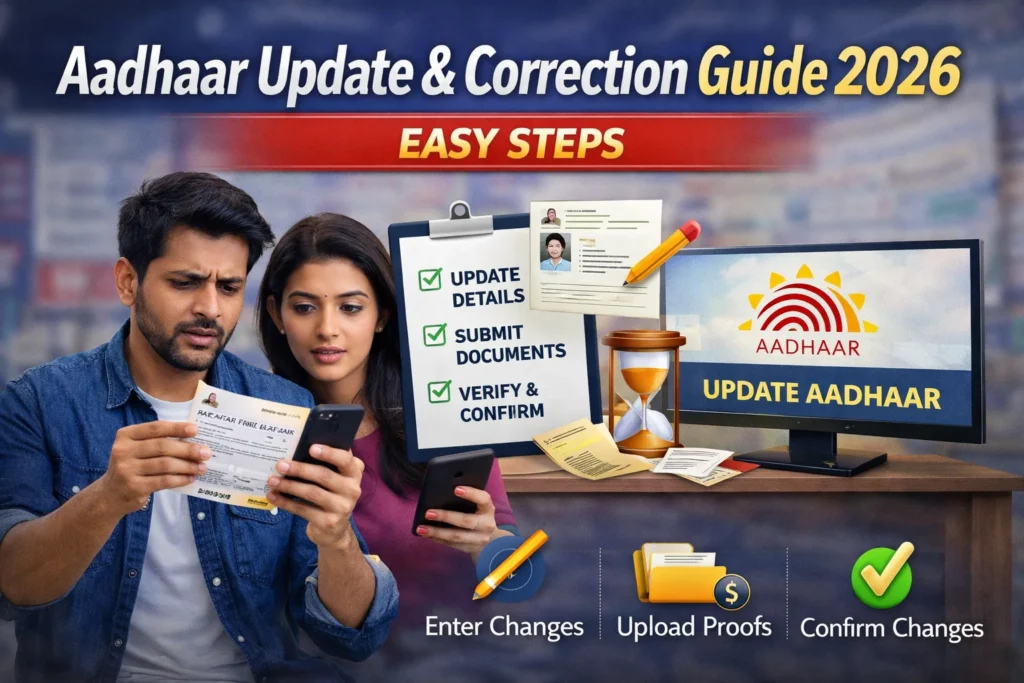
  • Visit the Official UIDAI Portal
    Go to the UIDAI website and find the Update Aadhaar section.
  • Log In
    Enter your 12-digit Aadhaar number and your registered mobile number. You will get an OTP on your registered mobile. Enter it to continue.
  • Select the Update Option
    Choose “Address Update” and fill in your new address. You’ll be required to upload a proof of address, such as your utility bill or voter ID.
  • Submit the Request
    After entering the new details, submit your request. You will receive an Update Request Number (URN) that you can use to track the status of your request.
  • Track the Status
    You can check the status of your Aadhaar update by entering your URN on the same website.
give me an image of 16:9 eye catching and people engaging

How to Correct Aadhaar Name (Offline Way)

While some corrections can be made online, name updates typically need to be done at an Aadhaar Enrollment Centre. The offline process is simple and involves the following steps:

Steps for name correction:

  • Get the Update Form
    Download the Aadhaar Update Form from the official UIDAI website or get a copy at the nearest Aadhaar Enrollment Centre.
  • Fill Out the Form
    Fill in the correct name and other details carefully.
  • Submit Supporting Documents
    Provide valid documents to support your name correction, such as your passport, voter ID, PAN card, etc.
  • Pay the Fee
    A nominal fee of ₹50 is charged for Aadhaar corrections.
  • Get the URN
    After submitting the request, you will receive an Update Request Number (URN), which you can use to track the status of your Aadhaar correction.

Tips To Ensure Your Aadhaar Update Is Approved Without Issues

To make sure your Aadhaar update goes smoothly, follow these practical tips:

  • Use Clear Documents: Make sure that the documents you upload or submit are legible and clear. Blurry or unreadable documents may delay the approval process.
  • Cross-Check the Name: Double-check the spelling of your name before submitting it. This will prevent unnecessary delays in getting your correction processed.
  • Ensure Documents Match: The documents you submit for address or name corrections must match the exact name you want on your Aadhaar.
  • Track URN: Keep the URN safe. This is essential for tracking the status of your update request.
  • Use Official Documents: Only use government-issued documents (e.g., passport, voter ID) to validate your update. Non-official documents may not be accepted.

How Long Does It Take to Update Aadhaar?

After submitting your Aadhaar correction request, it generally takes about 30 days for your update to be processed. However, in some cases, it may take up to 90 days, depending on the verification process. You can track your update status online using your URN. Once the update is complete, you can download the updated Aadhaar card from the official website.

Where You Can Do Aadhaar Updates

Aadhaar updates can be done through the following methods:

  • Online (For Address & Documents) – The easiest way to update is online via the official UIDAI portal for address changes and some document updates.
  • Aadhaar Enrollment/Update Centres – If you’re updating details like your name, date of birth, or biometrics, you’ll need to visit a nearby Aadhaar center.
  • By Post (For Address Changes) – In certain cases, address updates can also be done by post.

Download Updated Aadhaar

Once your request is approved, you can easily download your updated Aadhaar card from the official UIDAI website. This will allow you to get your updated card in a PDF format that you can print and carry with you.

FAQs

You can either correct it online (if it’s an address update) or visit an Aadhaar center for a name correction. You’ll need to submit valid proof of your corrected name.

Yes, if it’s an address update or document correction, you can do it online. However, other updates, like name corrections, may need an offline visit to the center.

Mobile number updates require a visit to the Aadhaar Enrollment Centre as this cannot be done online. You will need to provide valid documents for verification.

Yes, there is a nominal fee of ₹50 for Aadhaar updates and corrections.

You’ll need government-issued documents such as a passport, voter ID, or utility bills as proof for address, name, or other corrections.

Yes, a utility bill (like electricity, water, or gas) can be used as proof for updating your Aadhaar address.

You can track your Aadhaar update status using the Update Request Number (URN) on the UIDAI website.

If you made a mistake while updating Aadhaar details, you can file a correction request again with the correct details.

It usually takes 30 days for your Aadhaar update to be processed. In some cases, it might take up to 90 days.

Yes, the e-Aadhaar downloaded from the UIDAI website is valid for all official purposes and can be used instead of the physical Aadhaar card.

Final Thoughts

Update your Aadhaar for smooth access to services like banking, government subsidies, and SIM activation. Use the online option for address and document corrections, and visit the Aadhaar center for name or DOB corrections. Track your update status with the URN and download the updated Aadhaar card once it’s processed.
Similar Posts

Leave a Reply

Your email address will not be published. Required fields are marked *