UIDAI Aadhaar QR App: Hassle-Free Digital Identity Solution
Carrying Aadhaar photocopies has been part of life in India for years. Whether you’re checking into a hotel, applying for a SIM card, handling paperwork at banks, or dealing with government offices, someone somewhere always asks for a paper Aadhaar copy. Now, with the Aadhaar UIDAI QR app and digital Aadhaar options, things are changing fast. You might be wondering:
Let’s answer all of that in a friendly, clear, and complete guide so you can use Aadhaar the smart way.
What Is the Aadhaar QR App?
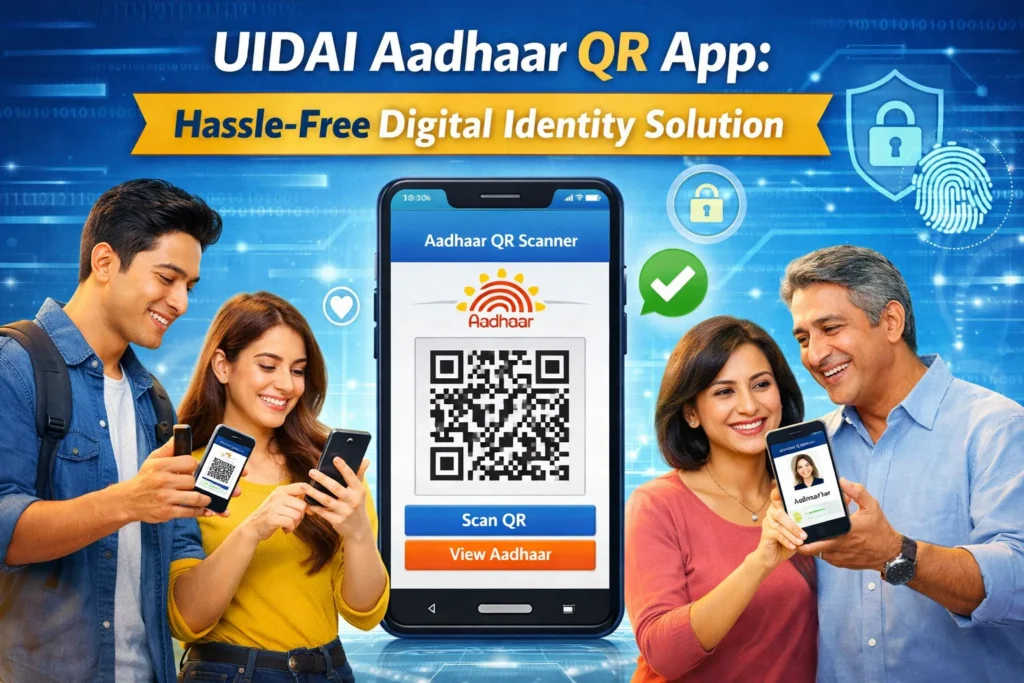
The Aadhaar QR app is an official mobile application launched by the Unique Identification Authority of India (UIDAI). It lets you store and show your Aadhaar identity digitally — specifically through a secure QR code that is linked to your Aadhaar details.
Think of it like having your Aadhaar card on your phone — but smarter and more secure. Instead of showing a paper card or photocopy, you open the app and let the other person scan a QR code that verifies your identity instantly.
What the App Lets You Do
The app is designed to help you do the following:
This is part of India’s broader push toward digital identity verification, cutting down paperwork, and reducing misuse of physical documents.
What Is a Secure QR Code and How Does It Work?
A Secure QR code is a special kind of QR code generated with encrypted information that is digitally signed. This means that the information inside the code can be trusted and verified as authentic.
What’s Inside the QR Code?
When you open your digital Aadhaar (whether in the app or PDF), the QR code contains:
This is enough information for identity verification, and because it’s digitally signed by UIDAI, it’s hard for anyone to fake or alter it.
How Verification Works
When an organisation asks to verify your identity, here’s what happens:
This process takes seconds and doesn’t require uploading paperwork or handing over physical copies.
Why the Aadhaar QR App Is a Big Deal
Let’s be honest — photocopies are not the best way to verify identity. They get lost, damaged, stolen, or even misused in the wrong hands. The Aadhaar QR app changes all that. Here’s how:
Convenience
No more fumbling with paper or printing copies. Your Aadhaar is with you on your phone.
Privacy Protection
You decide what to share. You don’t need to give your full Aadhaar number or full document to everyone.
Faster Verification
Scanning a QR code is quick — much faster than manually checking a photocopy and comparing details.
Less Paper Waste
This helps cut down on paper printing and storage — better for the environment.
Less Risk of Misuse
Paper photocopies can be photocopied again and again. That increases risk of misuse. QR code verification reduces that risk.
Can You Completely Stop Carrying Aadhaar Photocopies?
This is the big question. The short answer is: Not yet in every situation — but mostly yes for most everyday uses.
Where You Can Use the Aadhaar QR App Instead of Photocopies
In many regular situations, the Aadhaar QR app works fine:
In these places, a secure QR code is usually enough to confirm your identity.
Where You Might Still Need Photocopies (for Now)
Despite the progress, there are some exceptions:
In these cases, having a backup copy (printed or PDF) is still useful. But over time, as digital acceptance grows, this need will decrease.
What Happens If an Office Doesn’t Accept Digital Aadhaar?
Good question. Here’s what you should do:
Show Them the e‑Aadhaar PDF
Even if they don’t accept the app, most places accept the e‑Aadhaar PDF saved on your phone or in Digilocker.
Explain the QR Code
Sometimes people don’t understand the digital process yet. A quick explanation — and showing how it works — can help.
Carry a Printed Copy (as Backup)
Just in case, you can keep a printed copy, especially for important visits like government offices.
But the trend clearly points toward digital verification becoming the norm everywhere.
Tips to Use Aadhaar Digitally Like a Pro
Here are some practical tips to make Aadhaar digital use easy and stress‑free:
Common Myths About Aadhaar QR App
Myth 1: Digital Aadhaar Is Not Secure
Fact: The secure QR code is digitally signed and protects your data better than photocopies.
Myth 2: Everyone Must Accept It
Fact: While the goal is universal acceptance, some places still rely on paper — for now.
Myth 3: You Need the Internet to Show Aadhaar
Fact: QR codes work offline. You don’t need active internet to show your Aadhaar.
Myth 4: Aadhaar QR App Is Hard to Use
Fact: The Aadhaar QR app is designed to be simple and user‑friendly.
How This Fits Into India’s Digital Future
The Aadhaar QR app is not just a tool — it’s part of a bigger shift toward a digital identity ecosystem where:
This is similar to how digital payments replaced cash — once you start using it, life becomes easier.
FAQs
Final Thoughts
The UIDAI Aadhaar QR app is a big leap forward in how we use and verify identity in India. It brings convenience, speed, security, and privacy together in a smart digital format. While you may still need paper in some rare situations today, the trend is clear: Carrying Aadhaar photocopies will soon become unnecessary for most everyday identity checks.
Digital Aadhaar and secure QR codes will become the standard. Keeping a digital backup (app or PDF) is the best way forward. This change isn’t just about convenience — it’s about safer, faster, and smarter ways to prove who you are. As more people and services adopt digital verification, you’ll find life easier and more secure without the hassle of paper.